
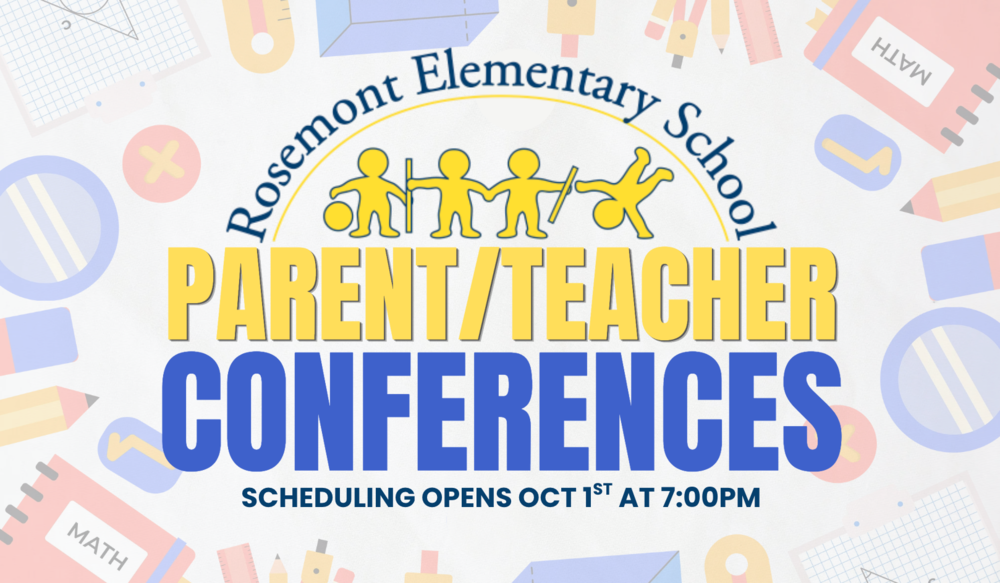
Parent-Teacher conferences will be held at Rosemont School from 2:30–5:00 p.m. on Wednesday, October 21st and from 2:30-7:30pm on Thursday, October 22nd. Online signup for Parent-Teacher conferences will begin at 7:00 p.m. on Thursday, October 1st through the Parent Teacher Conference Wizard website.
Before October 1st, please sign into or create a parent account on the PTC Wizard website. Your login is associated with the email address listed in TeacherEase. To log in for the first time, you must click "forgot password." An email will be sent allowing you to create your own password. Once logged in, your child(ren) will be listed within your account, along with their teachers. Because scheduling for Parent-Teacher conferences does not open until October 1st at 7:00 p.m., no teachers or time slots will be visible when you first sign in.
Steps for Signing Up for Parent-Teacher Conferences:
Visit the Parent-Teacher Conference Wizard: https://app.ptcwizard.com/ptc1757619179/login
Select "forgot password" to create a new password. Your email address associated with TeacherEase is your username for PTC Wizard.
On October 1st at 7:00 p.m., begin scheduling your Parent-Teacher conferences. A list of your child(ren)'s teachers will appear with their available time slots.
If you have any questions regarding Parent-Teacher conference signup, please contact Rosemont School for additional information.